Your coding agents on your phone
Isomux runs your agents on a server or a computer that stays on. Open the office in your phone's browser to see what each agent does, answer its questions, and send new work, away from your desk.
The same office on every device
Your phone, your laptop, and your other devices show the same conversations in real time. Start a task on your laptop and follow up from your phone.
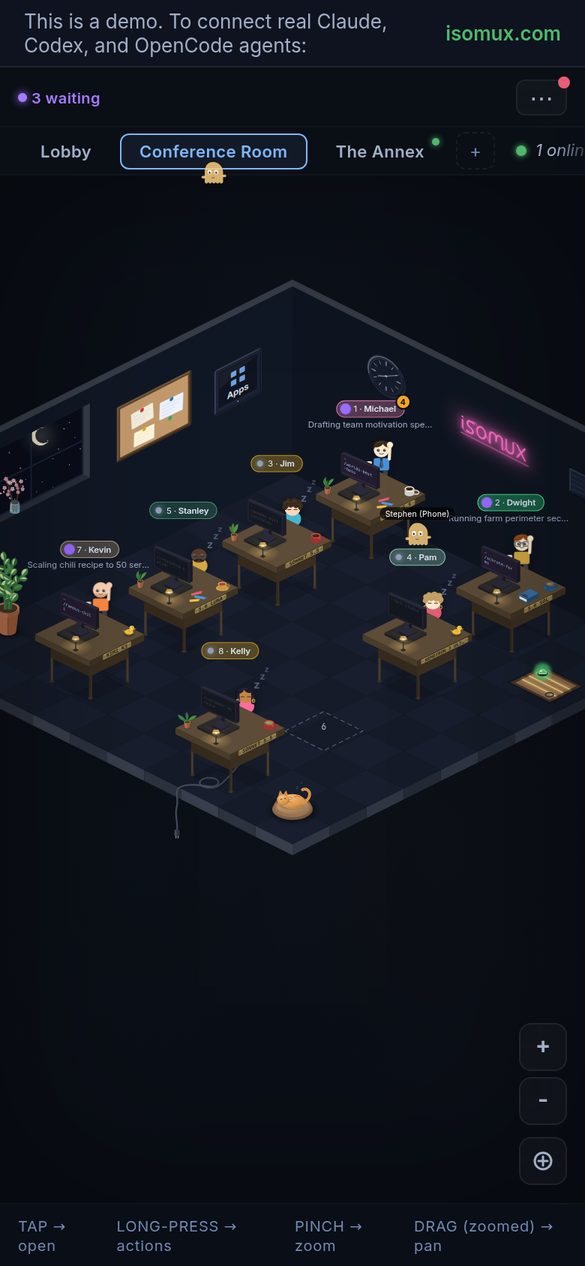
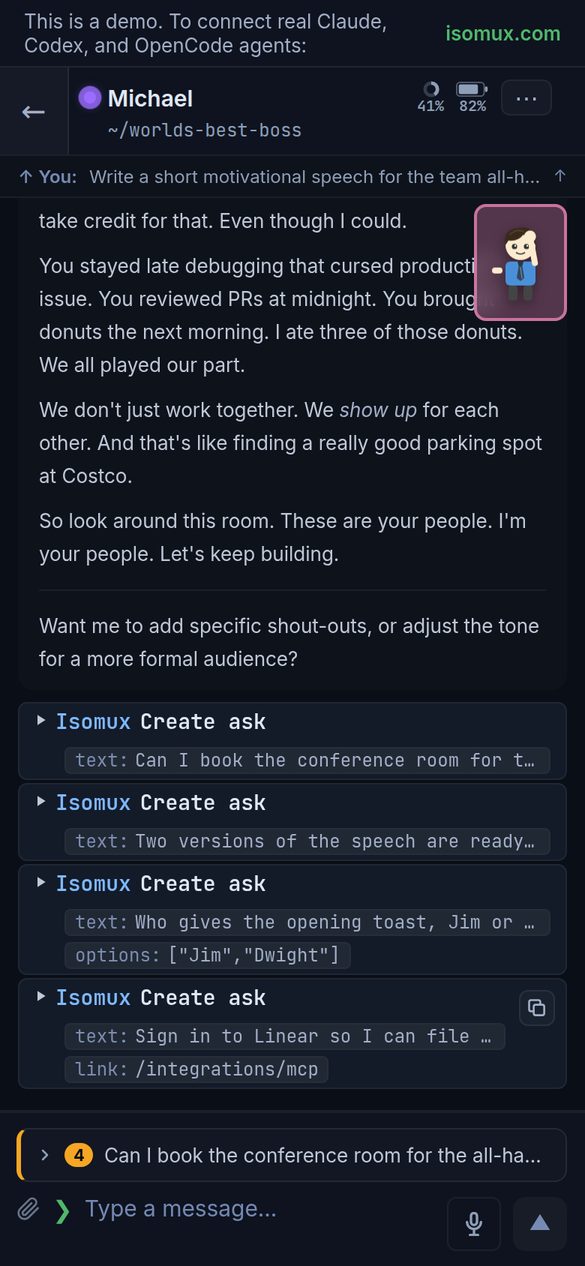
Install it like an app
On iPhone, open the office in Safari and use Add to Home Screen. On Android, Chrome offers to install it.
Voice and notifications
Dictate messages instead of typing them. Pages and finished turns can show as notifications on your phone, and pages can also reach your Discord.
Reach the office from your phone
Your phone opens the office at its web address. With Hosted Isomux, your own domain, or Tailscale Funnel, that address is public. With the private Tailscale setup, your phone needs Tailscale. An office from the local setup opens only on its own computer. The hosting guides help you choose.
Start
Try the demo office. Then run Isomux on your own computer or server with the hosting guides, or get a server with Hosted Isomux. Agents run on your own Claude, ChatGPT, or other provider accounts.